
Build Your Own Free Website Part 5 - Quarto Basics
Build Your Own Free Website Part 4 - Deployment (feat. Netlify) Up until this post, we've been focusing on getting your website up and running online. In this post and several others, we'll be covering the How to decorate your web pagesTo do this, we'll use the R Markdown The next generation of Quarto(Quarto), which you can learn more about in the R Markdown User FAQs for Quotesfor more information.
* If you want to see the picture in more detail, click on it to enlarge it.
Quarto documentation overview
Rendering Process

In the previous post, we learned that quoto documents are .qmd extension. In the figure above, the left side is the quarter document and the right side is the rendered result in the Viewer Panel. Rendering a quarto document ( , hotkeys: Windows Ctrl+Shift+K, macOS ⇧+⌘+K) will produce an HTML document by default. Of course, you can also render to other formats, such as PDF.

The above figure shows the process of rendering a quoto document into a document like MS word etc. knitr Packages are marked down as quoto documents (.md) that is generated by the Universal Document Converter. This file is in turn converted to the universal document converter pandocto produce the final rendered document. This complex process is accomplished with a single shortcut. (By default, the rendered document format is HTML unless otherwise specified).
Quoto Edit Mode

Quoto documents can be created in two different RStudio editing modes. For example Visual Editing Modeselect the text and click Ctrl+B You can convert to bold by pressing the keyboard shortcut. Source Editing Modeuses the following markdown format for this purpose. The example below shows the rendered HTML screen with the Displayed in bold and these two modes are available via shortcuts (Ctrl+Shift+F4, ⇧+⌘+F4) once to toggle the edit mode from visual to source, and again to toggle from source to visual.
**Shown in bold**. Organizing your Quoto documentation for free website creation

A quoto document consists of a YAML Header, a Code Chunk, and Markdown Text, as shown in the image above.
YAML Header
Up and down Three dashes (-)The yaml header, separated by , specifies the title, format, editor, etc. The default format is key: value. In the example above, the key would be title and the value would be "Hello, Quarto", which we'll learn more about in another post.
Code Chunk
The three backticks ("`) at the top and bottom and the leading {r}to represent the option to chunk R code. When using yaml formatting within these chunks, the #| where label is the name of the code chunk and include determines whether the code chunk or output should be displayed on the render screen. Since it says false, you can see in the first image that the code itself for the library and the result of its execution is not shown on the render screen at all.
Markdown Text
Quanto documentation uses Markdown syntax as text. With visual editing mode, you don't need to learn a ton of Markdown syntax to write documents.
Below is the code source for what we've been covering so far (source: Queto homepage). You can run RStudio, create a qmd file, copy and paste this code source into it, and try to see the changes by switching between the two editing modes and render it.
---.
title: "Hello, Quarto"
editor: visual
preview: viewer
---]
```{r}
#| label: load-packages
#| include: false
library(tidyverse)
library(palmerpenguins)
```
## Meet Quarto
Quarto enables you to weave together content and executable code into a finished document. To learn more about Quarto see .
## Meet the penguins
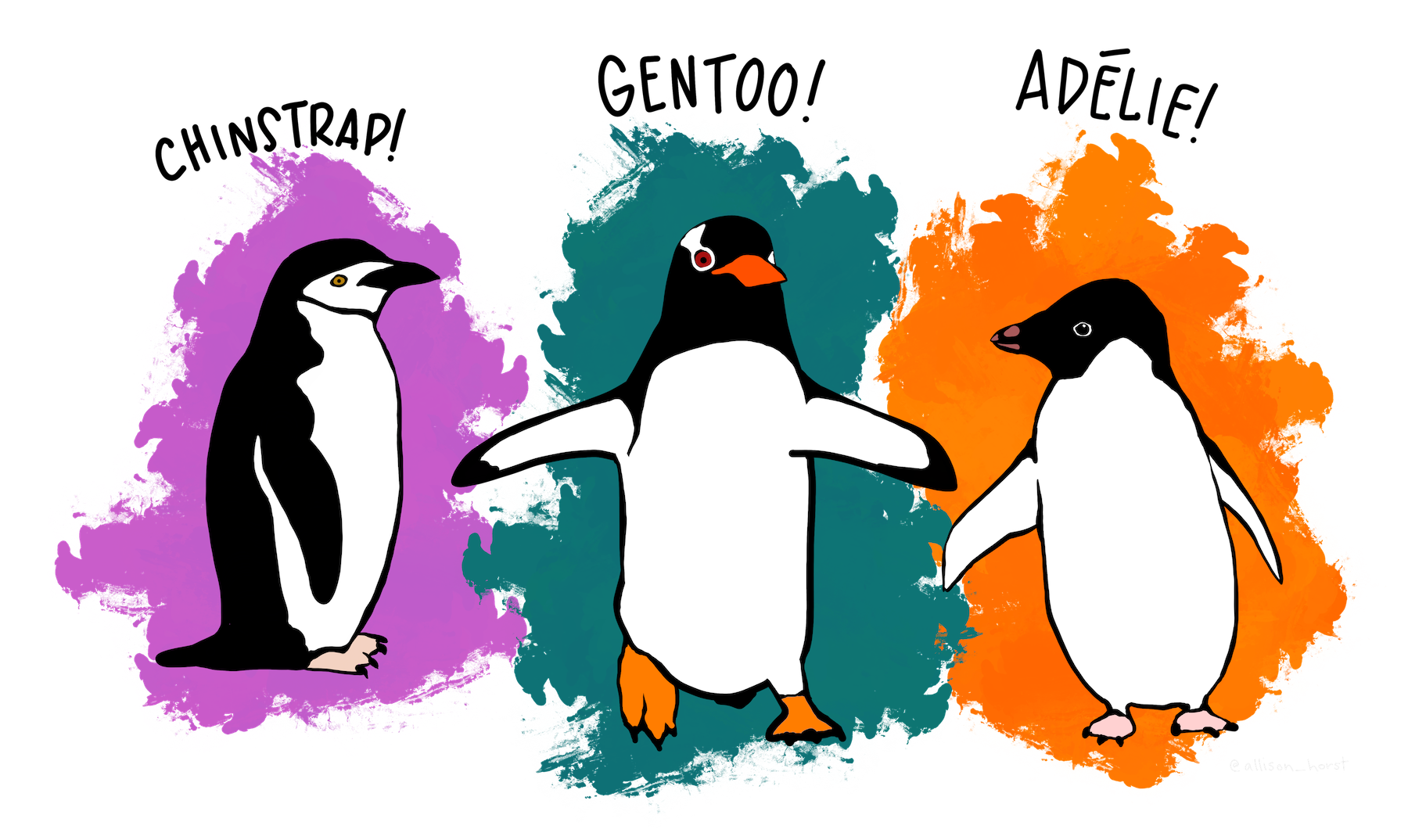{style="float:right;" fig-alt="Illustration of three species of Palmer Archipelago penguins: Chinstrap, Gentoo, and Adelie. Artwork by @allison_horst." width="401"}
The `penguins` data from the [**palmerpenguins**](https://allisonhorst.github.io/palmerpenguins "palmerpenguins R package") package contains size measurements for `{r} nrow(penguins)` penguins from three species observed on three islands in the Palmer Archipelago, Antarctica.
The plot below shows the relationship between flipper and bill lengths of these penguins.
```{r}
#| label: plot-penguins
#| warning: false
#| echo: false
ggplot(penguins,
aes(x = flipper_length_mm, y = bill_length_mm)) +
geom_point(aes(color = species, shape = species)) +
scale_color_manual(values = c("darkorange","purple","cyan4")) +
labs(
title = "Flipper and bill length",
subtitle = "Dimensions for penguins at Palmer Station LTER",
x = "Flipper length (mm)", y = "Bill length (mm)",
color = "Penguin species", shape = "Penguin species"
) + Β
theme_minimal()
```Organize
In this post, we started with the rendering process to get a feel for the basics of Quotes, and then went through the editing modes and components of a Quotes document. Are you feeling more comfortable with R, RStudio, and Quotes? If not, it's time to push yourself a little harder.
This is how we strive to enrich your life through IT utilization. Terry on secondlife.lolwas.
All content on 'secondlife.lol' is protected by copyright law. Unauthorized reprinting, copying, distribution, etc. is prohibited.


